
SSH Keys
SSH keys added here are used for SFTP and SSH logins to Wings, the node daemon, instead of your panel password; the connection details themselves live on each server's SSH Details and SFTP views. The list shows each key's name, fingerprint, and when it was created, with a counter against your key limit.

Adding a Key
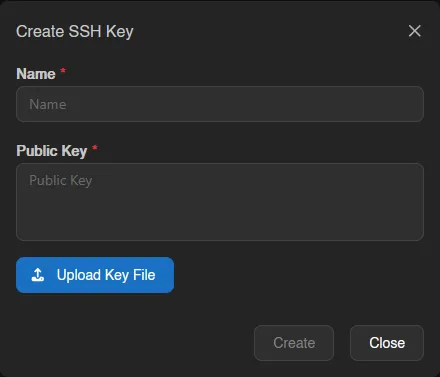
Create takes a name plus the public key itself: paste it, or pick a .pub file to fill the field.
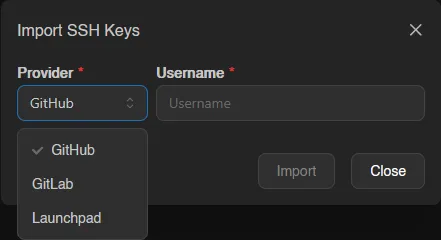
Import skips the copy-pasting entirely: pick GitHub, GitLab, or Launchpad, enter your Username there, and the panel imports the public keys published on that account, all of them at once if there are several. If you are already at your key limit the import is refused outright with maximum number of ssh keys reached; otherwise it imports only as many keys as you have room left for.
Keys work for SFTP and SSH logins immediately after being added.
INFO
The maximum number of SSH keys per account is set by the instance administrator under Settings > User.
Editing and Removing
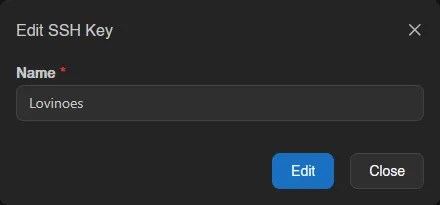
Right-click a key (or open the menu at the end of its row) to edit or delete it. Editing only changes the key's name, not the key material itself; add a new key instead if the underlying key pair changed.
To remove several keys at once, select them (checkboxes, drag, or Ctrl+A) and use Delete in the action bar, which asks for confirmation. Each action reports how many items it changed, skipped or failed in a toast.
