
Extensions
Extensions (System > Extensions) add features to the panel itself. This page shows what's installed and drives the build pipeline that compiles extensions into the panel.
INFO
The full installation walkthrough, including switching to the heavy image that extension building requires, lives at Installing Extensions. This page only describes the admin UI.
Web installation, removal, and rebuild controls are unavailable when APP_DISABLE_EXTENSION_MANAGEMENT is enabled, even in the heavy image. Installed extensions still run and can be toggled; the extension CLI remains available.
Installed Extensions
Each installed extension gets a card with its name, package name, Version, Authors, and description. Badges flag incomplete states:




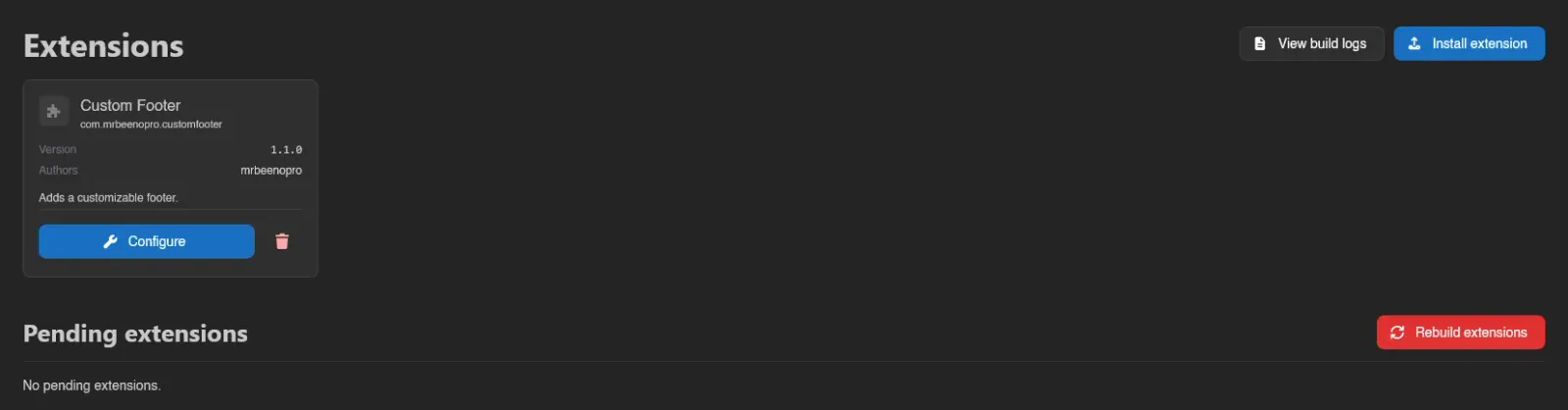
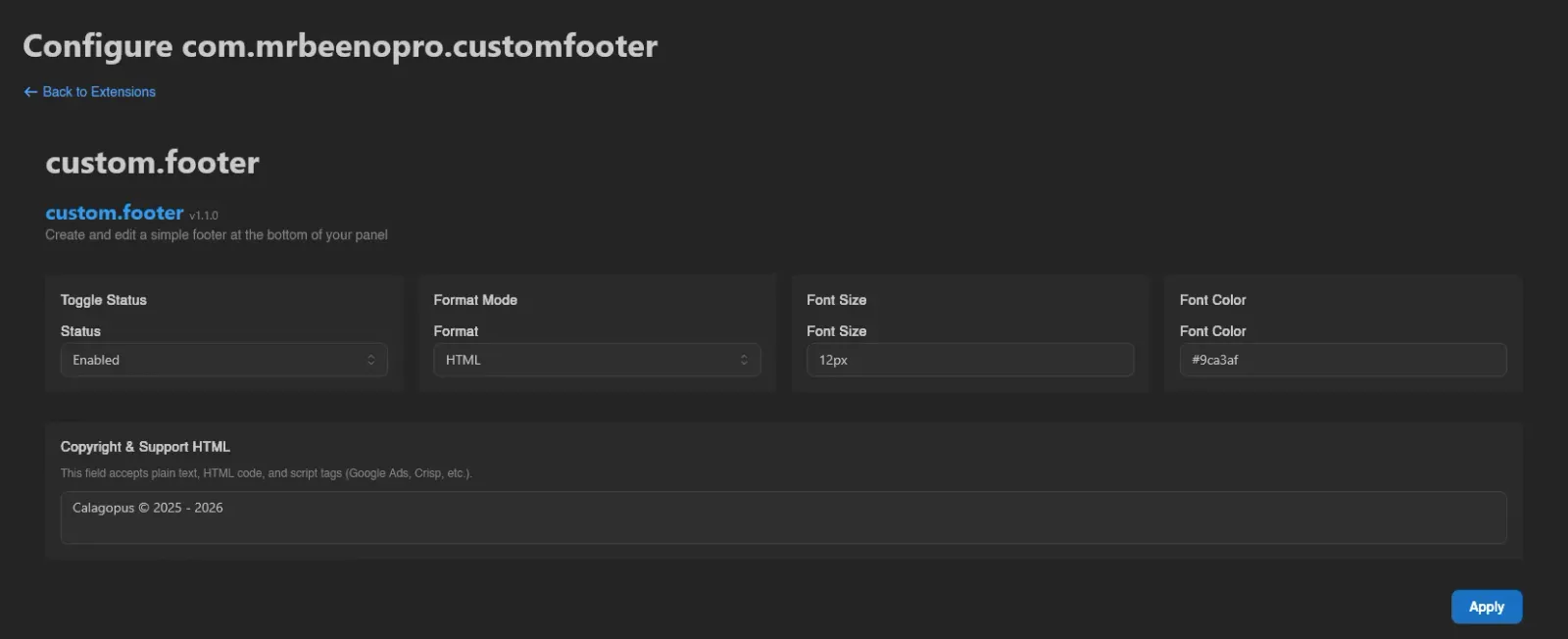
Configure on a card opens the extension's own settings page at /admin/extensions/<packageName>. It's disabled, with a tooltip saying why, when the extension has no backend, ships no configuration page, or is currently disabled.
The switch next to it turns an extension off without uninstalling it: its entrypoints are skipped at boot, so its routes and background tasks stop existing, while its files, database tables and permission grants all stay put. Toggling shows a Pending restart badge until the panel restarts, and a Disabled badge afterwards.
Flipping it back on restores the extension as it was. See Disabling Extensions for exactly what a disabled extension stops doing.
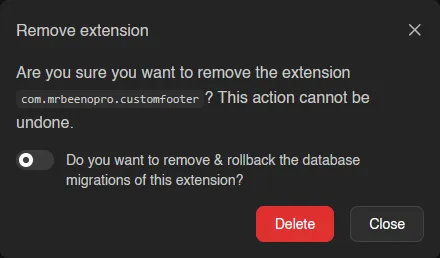
The trash icon removes an extension entirely, with a switch to also remove and roll back its database migrations. The code stops being included on the next rebuild, but the migration rollback happens immediately.
INFO
The extension pictured across this page is Custom Footer by mrbeenopro, available on SourceXchange and GitHub.
Installing and Building
- Install extension uploads an extension
.zip; you can also drag and drop files onto the page. If the extension ships a license, you have to Accept it before it's added. The upload is checked before anything is written: an extension whose supported panel versions don't include the version the next build targets is refused, and a refused or unaccepted upload leaves no file behind. - Newly added extensions land under Pending extensions until you hit Rebuild extensions, which compiles everything and restarts the panel. Progress phases are shown live, and a running build can be stopped with Cancel build.
- The version the next build targets is the one the extension supervisor reports, which is not always the version currently running, for example while the panel has not yet restarted into a newer build. When the two differ, the page shows "The panel is serving a build for a different version" with both versions, and new extensions have to support the target one.
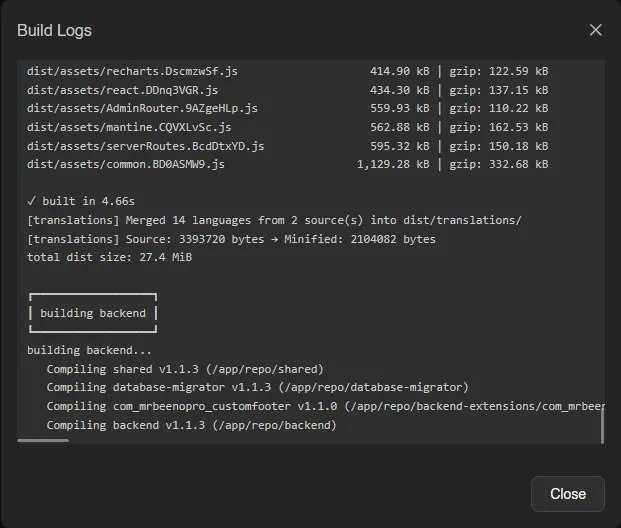
- View build logs opens the log of the current or last build. If a build fails, an alert shows the reason and the Rebuild button becomes Retry build.
WARNING
Extensions can only be built when the panel runs the heavy Docker image and its extension supervisor is reachable; the page warns you when either is missing. See Installing Extensions.
Viewing this page needs the extensions.read admin permission; installing, toggling, configuring and removing extensions all need extensions.manage. See the Permissions Reference.