
Register
When registration is enabled, the Create account link on the login page leads to /auth/register ("Please enter your details to register"). The page itself stays reachable with registration off, only the link is hidden, and submitting then fails with "registration is disabled".
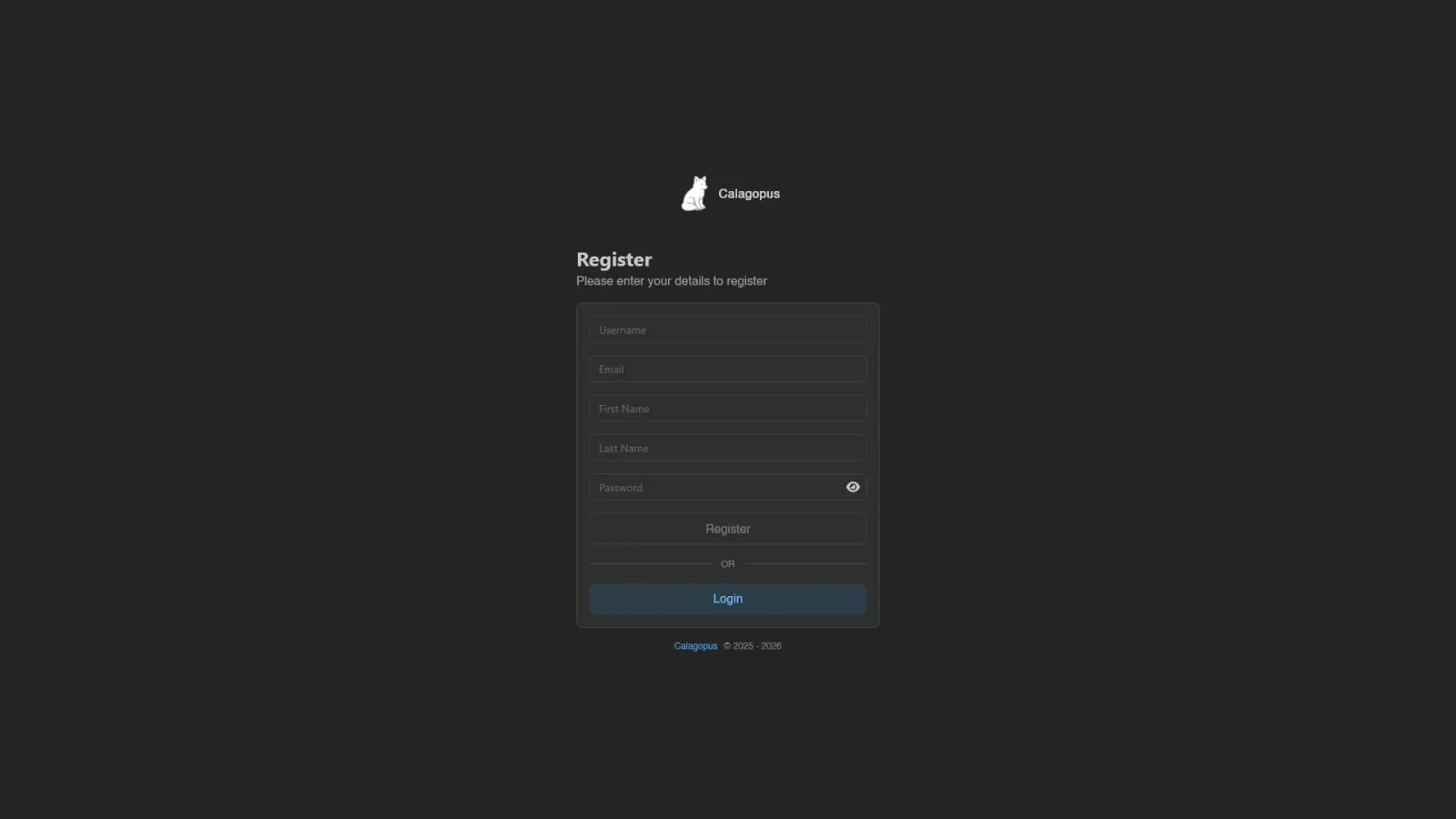
The form asks for Username, Email, Password (with a visibility toggle), and optionally First Name and Last Name. Usernames are 3 to 15 characters of letters, numbers, and underscores; passwords need at least 8 characters. Hit Register to create the account, or Login below the separator to go back.
Registering logs you in immediately: your session starts the moment the account is created. If the username or email is already taken, you get an error instead. The first account ever registered on a fresh panel automatically becomes a root admin, and is marked verified straight away.
If the administrator has turned on Require Email Verification, a verification link is mailed to you and the rest of the panel stays locked until you open it. You can still reach your account page, change your email, and request a new link, but nothing else - including SFTP and SSH - works until the address is verified. See Account for the verification banner and the resend button.
When a captcha is configured, it renders below the card and Register stays disabled until it's solved.
INFO
For admins: the Enable Registration toggle lives in Settings > Application, and turning it on without a captcha configured is asking for bot signups. The auth/register endpoint is rate limited per IP.
Note that OAuth login also creates accounts from the provider's profile, regardless of this toggle, unless the provider is set to Only allow Login.
The page itself is only routed while registration is on, so /auth/register is a not-found card otherwise. Turning off Enable Password Login takes it away the same way, since the account it would create could never sign in. OAuth signup carries on as normal.