
API Keys
API keys are personal access tokens for the API. Each key gets its own set of permissions, so you can hand out a key scoped to exactly what it needs rather than your full account access.
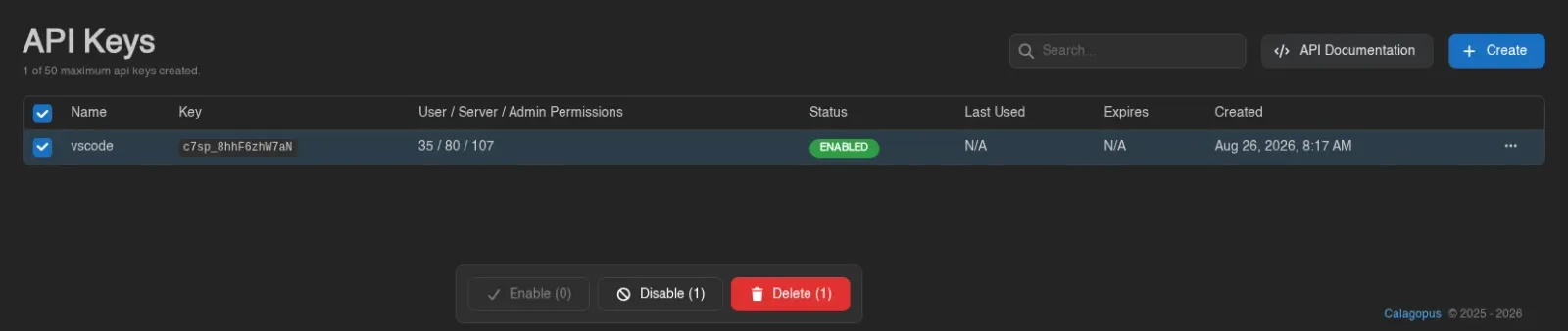
The list shows each key's name, the beginning of its key value, how many user/server/admin permissions it has, a Status badge reading Enabled or Disabled, and its last used, expiry, and created timestamps. A counter reads "N of M maximum api keys created.", and API Documentation in the top right opens your panel's /api reference.

Creating a Key
Click Create in the top right. Give it a name, optionally an expiry date, and optionally a list of IPs it's allowed to be used from (leave empty to allow any IP).
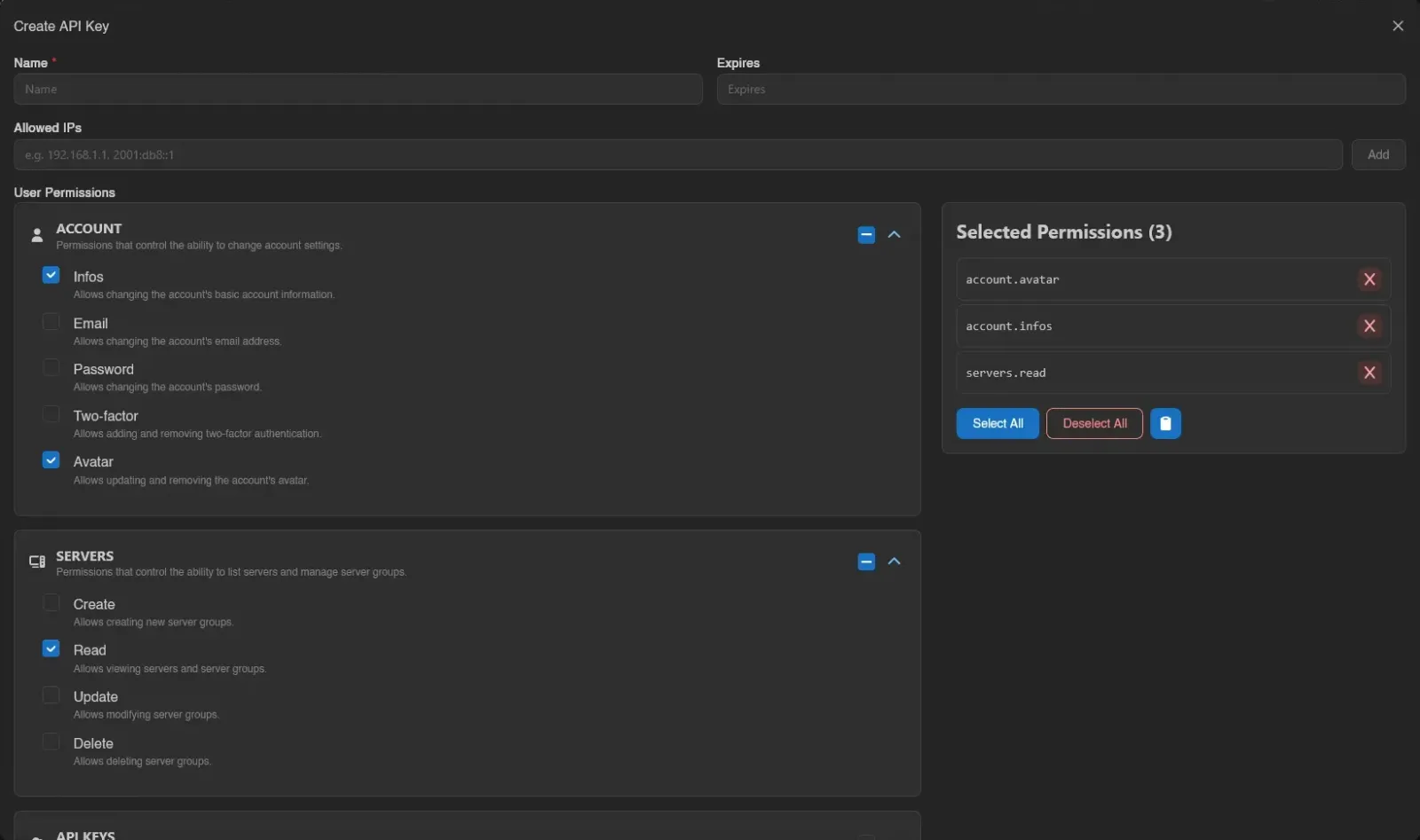
Expiry uses a calendar picker with an optional time:
Below that are the permission categories: User, Server, and Admin (the last only shown if your own account has admin permissions). Check individual permissions, or toggle an entire category at once.
Everything you've selected shows up on the right under Selected Permissions, where Select All and Deselect All toggle everything and a clipboard menu offers Copy Permissions and Paste Permissions. See the Permissions Reference for what every permission does.
Once you're happy with the selection, scroll down and hit Save, or Close to back out without creating anything. The full key value is shown exactly once, in an API Key Created modal: "Make sure to copy it now, as it will not be shown again."
Editing, Duplicating, Recreating, and Removing
Right-click a key (or open the menu at the end of its row) for Edit, Disable (or Enable), Duplicate, Recreate, or Remove.
Disable switches the key off without deleting it: it keeps its name, permissions and value, but every request made with it is refused with "api key is disabled" until you enable it again. Use it when you suspect a key is being misused but aren't ready to invalidate it; unlike Remove, it can be undone. A key cannot disable itself, so you can't lock yourself out through the API with the very key you're calling with.
Edit opens the same form as creating one, letting you change the name, expiry, allowed IPs, and permissions.
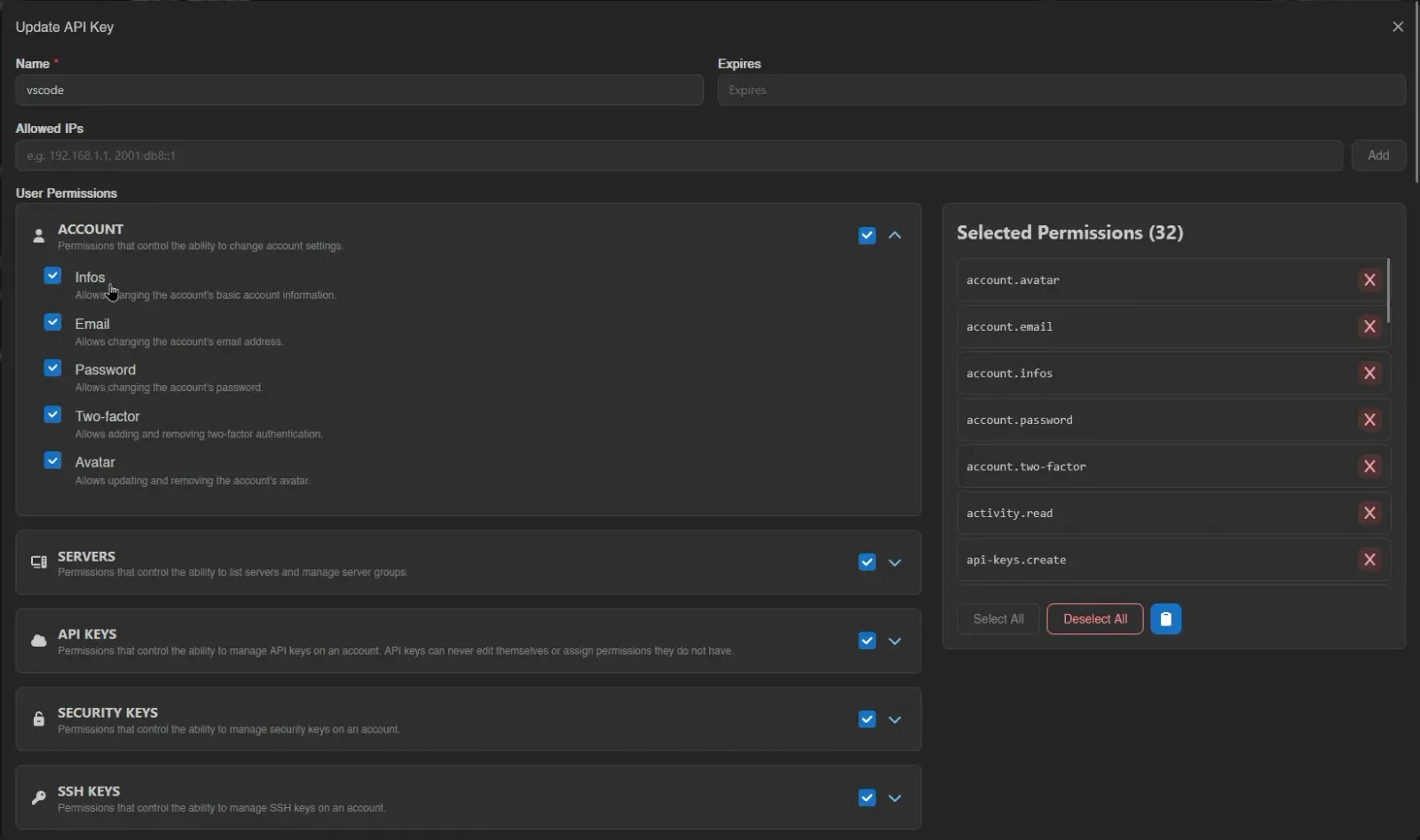
Duplicate creates a separate key and shows its new token once. It copies the original's permissions, allowed IPs, enabled state, and expiry without invalidating the original. It needs permission to create keys and room under your account's key limit.
Recreate issues a new key value with the same name and permissions, immediately invalidating the old value; the new one appears once in an API Key Recreated modal. Use this if a key may have leaked. Remove deletes the key outright.
Bulk Actions
Select rows with their checkboxes, by dragging across them, or with Ctrl+A (Esc clears); only rows on the current page are selected. The action bar can Enable, Disable or Delete the selected keys; enabling and disabling skip keys already in that state, and deleting asks for confirmation first. Each action reports how many items it changed, skipped or failed in a toast.
Third-Party Key Requests
External applications can send you to /account/api-keys/create or /account/api-keys/update to request a key with specific permissions, or changes to an existing one. The page shows exactly what is requested, with Added, Granted, and Removed badges on the permission diff, warns when admin permissions are involved, and returns you to the app's callback URL once you approve.
INFO
A key can never edit itself or grant permissions it doesn't already have, even with api-keys.update. The maximum number of API keys per account is set by the instance administrator under Settings > User.