Locations
Locations group nodes together, usually by region or provider. They do three things:
- Organize nodes: every node belongs to exactly one location, and the location's Nodes tab lists them.
- Backup configuration inheritance: nodes without their own backup configuration use the one set on their location.
- Database host attachment: database hosts and database agent hosts attached to a location are available to every node in it, without attaching them to each node individually.
You need at least one location before you can create nodes; the Nodes page prompts you to create one if none exist. For the full node setup walkthrough, see Configuring a New Node.
The list shows each location's ID, Name (with its flag, if set), Backup Configuration, and Created timestamp. Click an ID to open the location.

Creating a Location
Click Create in the top right (requires locations.create).
| Field | Description |
|---|---|
| Name | Required. A label to distinguish this location. |
| Backup Configuration | Optional. Used by nodes in this location that don't set their own. Defaults to None. See Backup Configurations. |
| Description | Optional notes. |
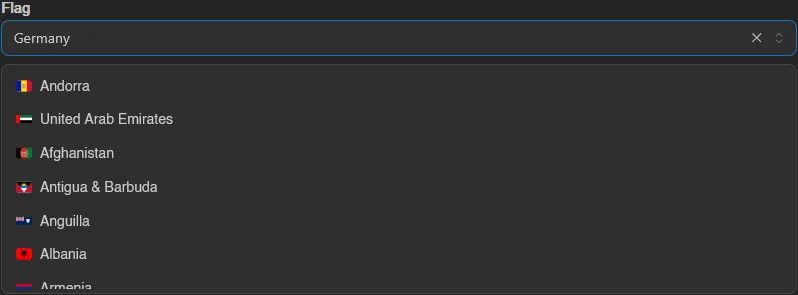
| Flag | Optional country flag shown next to the name across the admin area. |
Hit Save, or Save & Stay to keep the form open for creating another.
INFO
Picking a backup configuration requires the backup-configurations.read admin permission. See the Permissions Reference for all locations.* keys.
Location Tabs
Opening a location shows four tabs: General, Database Hosts, Database Agent Hosts, and Nodes.
General
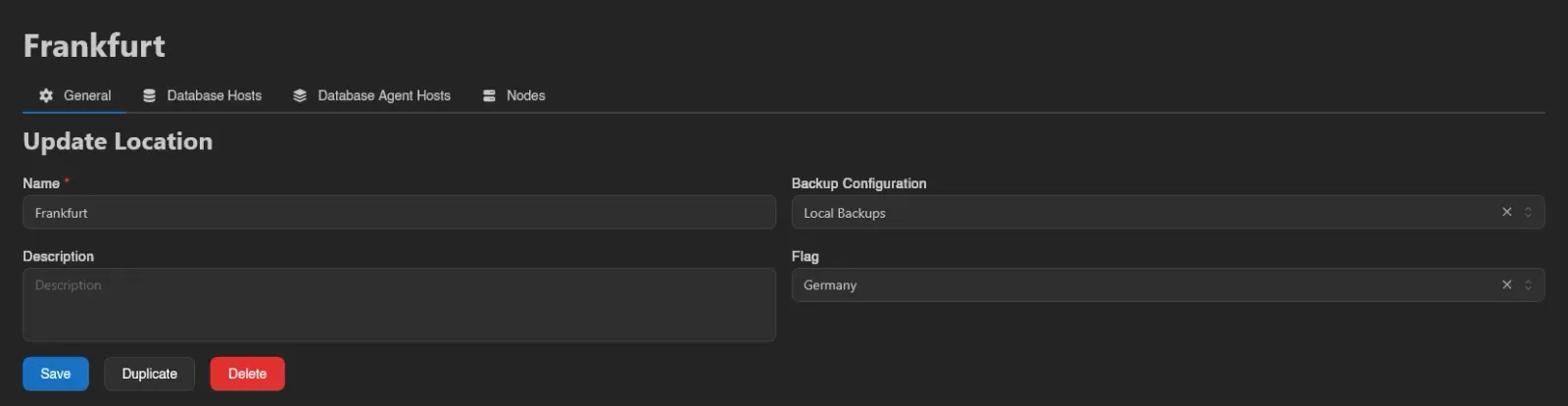
The same form as creating, plus:
- Duplicate creates a copy under a new name (prefilled
<name> (copy)). - Delete removes the location after confirmation (requires
locations.delete).
Database Hosts
Database hosts attached here are offered to every node in the location. Click Add and pick a host from the list (grouped by type). Deleting a row only detaches the host from the location, the host itself keeps existing.

See Setting up Database Hosts for creating the hosts themselves.
Database Agent Hosts
Same pattern for database agent hosts: Add attaches an existing agent host to the location, deleting a row detaches it.

Nodes
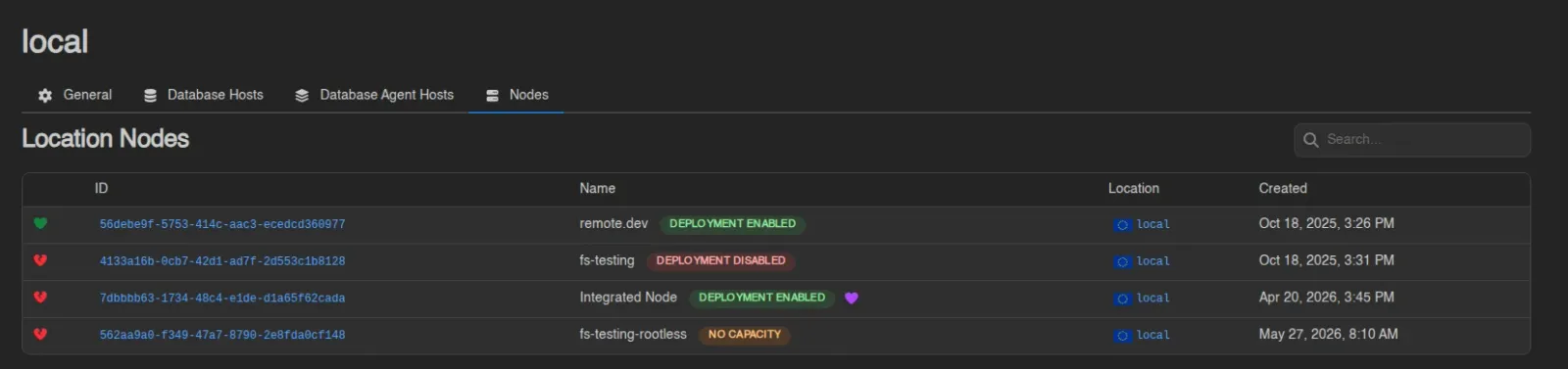
A read-only list of the nodes assigned to this location, in the same format as the main Nodes list.